 Photoshop
 Maya
Maya ZBrush
 Houdini
 Substance Painter
 Blender
 Unreal Engine
 Arnold
 Nuke
Nuke KeyShot
 V-Ray
V-Ray Marvelous Designer
 Marmoset Toolbag
 Mari
Mari Substance Designer
 3ds Max
 Redshift
 3DCoat
 After Effects
 Faceform Wrap
 Lightroom
 OctaneRender
 SpeedTree
 Daz 3D
 Modo
Modo Fusion
 RealityCapture
 Agisoft Metashape
 Gaea
Gaea Cinema 4D
 Gravity Sketch
 Premiere
 Procreate
 Clip Studio Paint
 SketchUp
 SketchBook
 Katana
 Natron
 Mudbox
 Quixel Bridge
 Quixel Megascans
 Quixel Mixer
 Substance 3D Modeler
 World Creator
 Yeti
Yeti Ziva VFX
 Mixamo
 Adobe Medium
 Quixel DDO
 xNormal
 Meshmixer
 Storyboard Pro
 DaVinci Resolve
 TreeIt
 World Machine
 Gaffer
 Corel Painter
 SynthEyes
 Krita
Krita Massive
 Materialize
 Unity
Unity Ornatrix
 PreForm
 Moi 3D
 animBot
 QuickTime
 ReCap
ReCap
















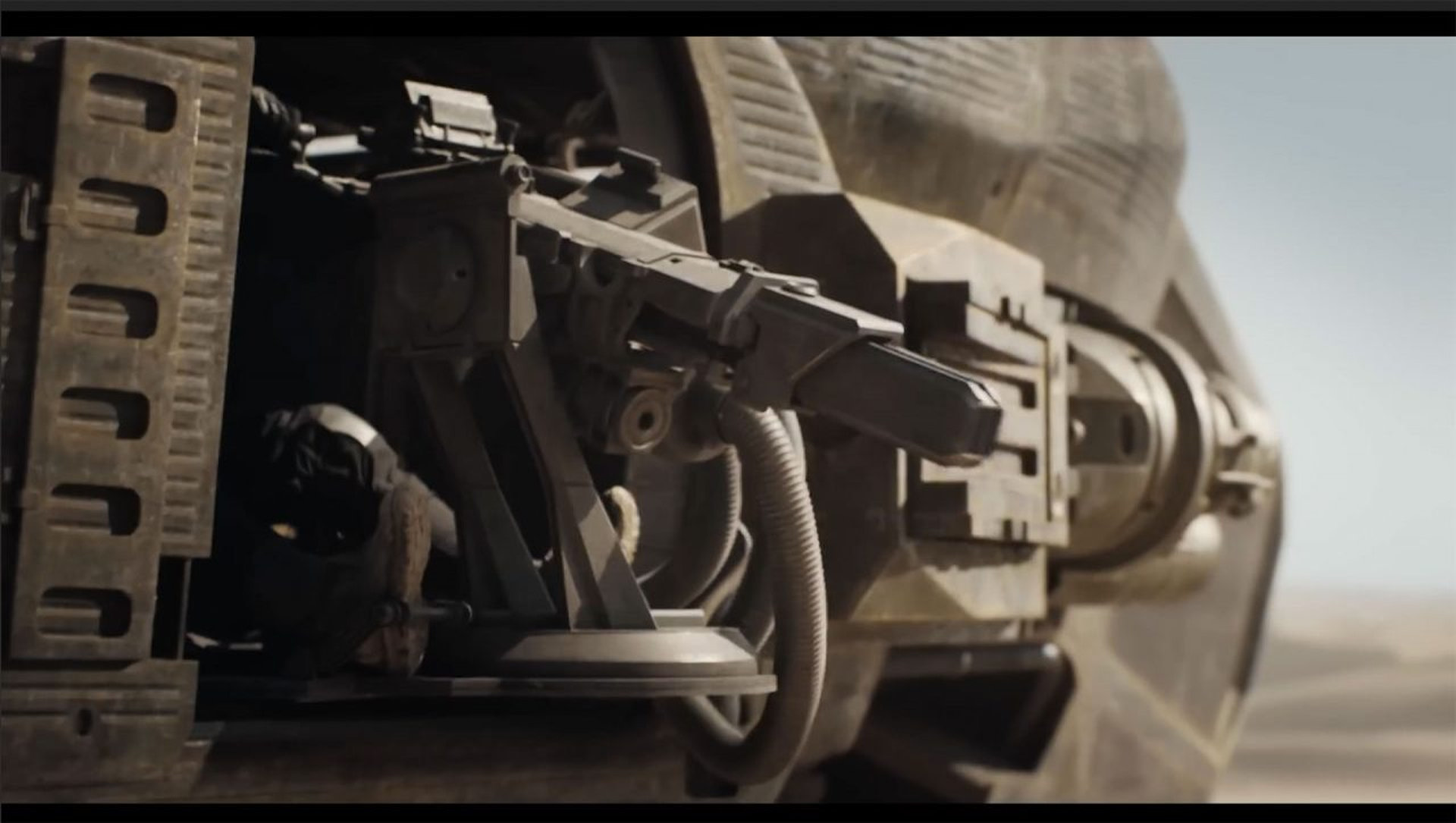
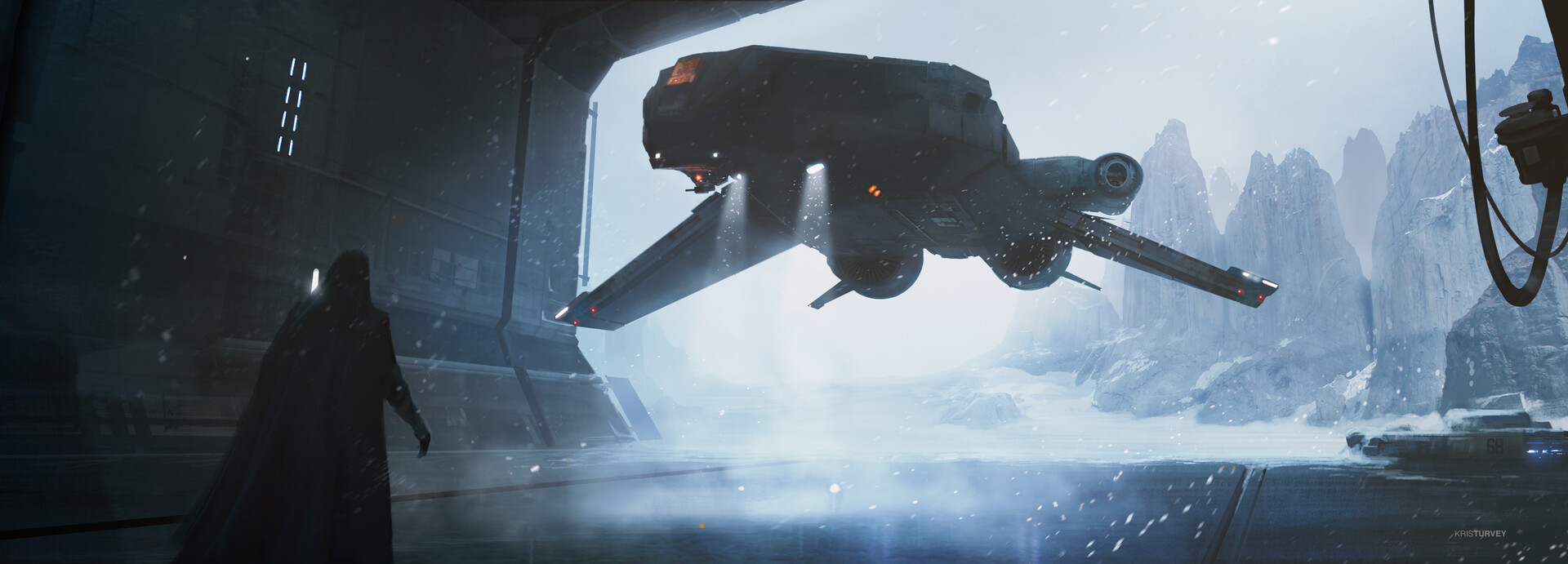
Learn everything you need to know to get started with Autodesk Fusion with this 3-hour introduction workshop by film concept artist, Kris Turvey. Suitable for beginners with Fusion and assuming no prior knowledge of the software, or 3D in general, this workshop is ideal for anyone looking to get started with this powerful, easy-to-use tool that Kris uses regularly as a concept artist on films including Dune: Part 2.
Kris begins with an overview of the main interface before revealing how to create design ideas with simple 2D sketching in the Design workspace. He then demonstrates how to turn your 2D designs into 3D using three different modelling modes: Solids, Surfaces, and Forms, while also explaining how each works and when you might want to use them.
In the Animation and Drawing workspaces, Kris showcases how to test and further communicate your designs by creating motion studies, animatics, and model sheets. He also demonstrates how to apply materials and create polished presentation images of your design in the Render workspace.
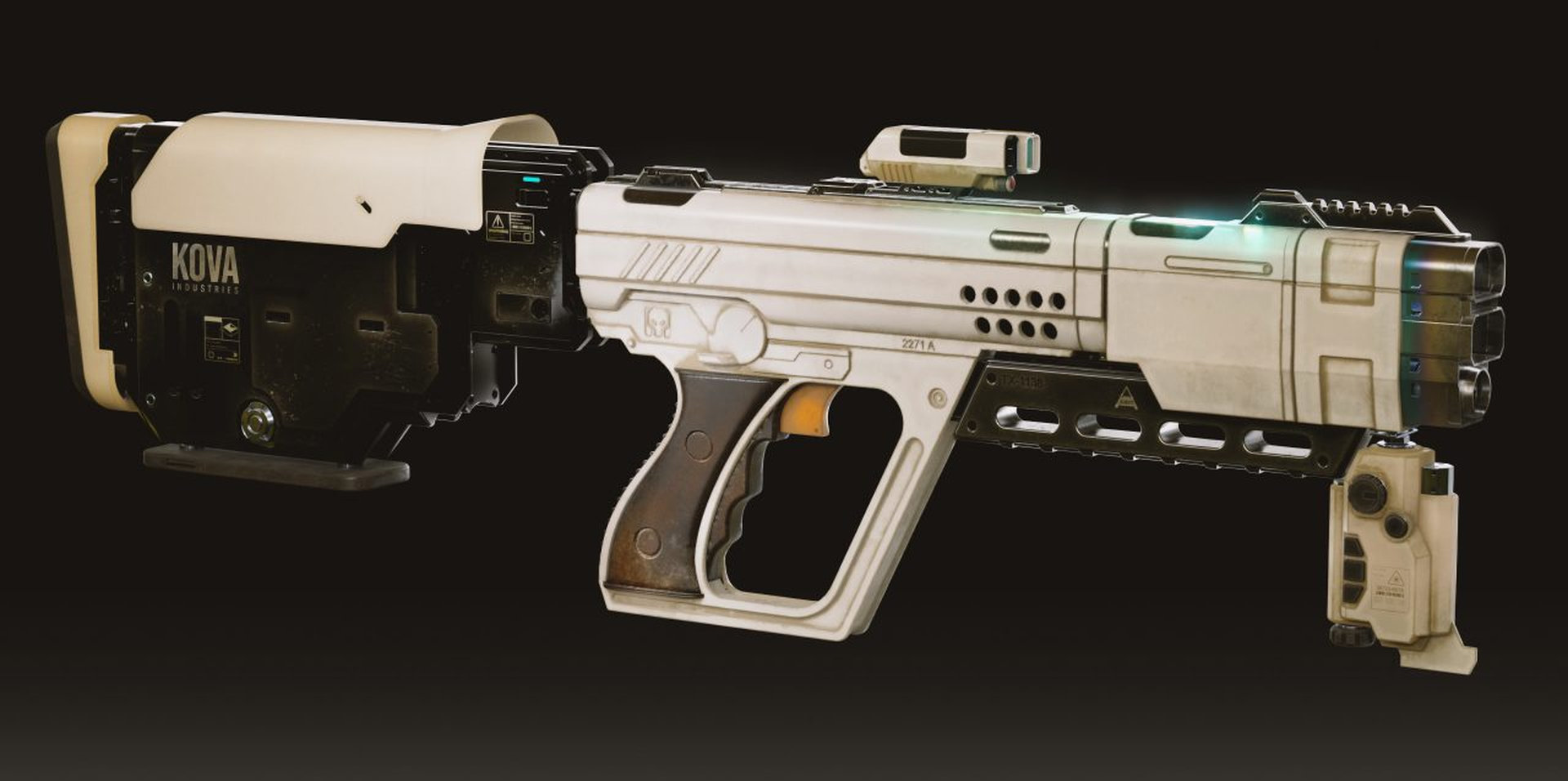
Lastly, Kris shows all these principles in practice in a demo project, in which he models a sci-fi gun. He concludes the workshop with tips for exporting your final designs for the next stage in the film pipeline.
Kris’s gun demo project file is available as a downloadable resource with this workshop.
9 Lessons
Kris Turvey introduces his workshop by discussing how Autodesk Fusion 360 offers concept artists a powerful alternative for hard-surface design, combining the precision of professional engineering tools with an artist-friendly workflow. While not intended for entertainment design, its sketch-based approach and freedom from technical modeling constraints make it particularly valuable for artists who need to quickly iterate on mechanical and product designs. Kris explains that the tool's specialized nature excels in specific areas, though it has clear limitations in organic modeling.
Duration: 8m 9s

This lesson establishes Fusion 360 as a powerful, cloud-based CAD software, particularly strong for hard-surface design and industrial applications. Kris emphasizes that, while Fusion offers many specialized workspaces, concept artists and entertainment designers will primarily use the Design workspace, which includes solid modeling tools and is supplemented by rendering and animation capabilities. His parametric modeling approach, while requiring a different mindset than traditional mesh modeling, offers significant advantages for precision work and iterative design processes.
Duration: 42m 50s

Fusion 360's solid modeling workflow offers an intuitive, powerful approach to 3D design that progresses logically from 2D sketches to complex 3D forms. The combination of parametric sketching tools, versatile 3D creation commands, and robust boolean operations enables designers to rapidly prototype and iterate on designs while maintaining full editability throughout the process. This solid modeling foundation serves as the primary modeling method in Fusion 360 and provides the groundwork for understanding the software's more advanced surface and T-spline modeling capabilities.
Duration: 27m 19s

Surface modeling in Fusion 360 provides powerful capabilities for creating complex curved geometries that would be challenging with solid modeling alone. While solid modeling remains the recommended starting point for beginners, surface modeling becomes valuable when designs require intricate curves and organic shapes. Kris demonstrates that the flexibility to switch between modeling modes and convert surfaces to solids makes this a versatile approach to advanced design challenges.
Duration: 11m 6s

T-spline form modeling in Fusion 360 offers a polymesh-like workflow that's well-suited to organic and complex shapes that are difficult to create with traditional solid modeling. While Kris suggests that beginners focus on solid modeling first because it is simpler, forms offer greater flexibility for specific design challenges. The temporary nature of the form workspace — and its eventual conversion to solids or surfaces — makes it a useful bridge between different modeling approaches within Fusion 360.
Duration: 15m 9s

This lesson effectively demonstrates how to transform a 2D concept into a complete 3D model using a Fusion 360 workflow. Kris highlights how successful modeling comes from combining technical skills with design thinking, which involves understanding proportions, maintaining visual coherence through aligned elements, and balancing detailed areas with simpler forms. His modular approach and attention to implied functionality show how to create believable sci-fi designs that feel grounded in reality.
Duration: 35m 35s

Fusion's rendering workspace provides a powerful, convenient solution for creating high-quality visualizations directly within the modeling environment, making it ideal for quick-turnaround production workflows. While the built-in rendering capabilities are impressive and suitable for many use cases, the projection-based texturing system has limitations relative to traditional UV mapping. For the highest-quality results, using Fusion for modeling and then transitioning to specialized texturing and rendering applications offers the best of both worlds.
Duration: 16m 18s

This lesson demonstrates Fusion's capabilities beyond 3D modeling, showing how the animation workspace can validate mechanical designs by testing moving parts and joint interactions, while the drawing workspace provides tools for creating technical documentation. Kris explains that, though he prefers external tools like Photoshop for presentation work, these built-in features offer convenient options for industrial designers to communicate design functionality and create working drawings directly within Fusion.
Duration: 17m 18s

This final lesson concludes with a discussion of how Fusion 360 is a versatile tool that extends beyond its primary industrial design purpose. While there are workflow challenges when adapting Fusion for entertainment design, particularly regarding mesh export limitations, these can be overcome with the right techniques and additional software. Kris's final gun model renders showcase the high-quality results achievable when combining Fusion with other applications like Substance Painter and Maya for texturing and rendering.
Duration: 6m 5s

Primary tools
For this workshop you’ll need:

* Note that these programs and materials will not be supplied with the course.
Project Files
By downloading the workshop file, you'll gain access to Kris's Fusion project. Inside, you'll find:
- Fusion scene file (.mb) – The main working file with the gun demo model for your analysis
Skills Covered
Who’s this Workshop for?
This workshop is specifically designed for complete beginners who have no prior experience with Autodesk Fusion 360 or 3D modeling in general. It's ideal for aspiring concept artists, film industry newcomers, and creative professionals looking to add powerful 3D design capabilities to their skill set.
Established artists working in traditional 2D mediums will find this workshop invaluable for transitioning into modern film production workflows. The comprehensive introduction provides a solid foundation for understanding how 3D modeling integrates into concept development and pre-production processes in contemporary filmmaking.
Learning Outcomes
By completing this workshop, artists will have gained fundamental proficiency in Autodesk Fusion's core features and an understanding of how to integrate 3D modeling into professional concept art workflows.
Key skills include:
- How to navigate Fusion's main interface and understand the different workspace environments effectively.
- How to create initial design concepts using 2D sketching tools within the Design workspace.
- How to transform 2D sketches into 3D models using Solids, Surfaces, and Forms modeling modes.
- How to determine which modeling approach works best for different types of design projects.
- How to create motion studies and animatics for testing and communicating design concepts.
- How to apply materials and render polished presentation images for client and team review.
- How to export final designs properly for integration into film production pipelines.